
No-cost Workflow for Local storage
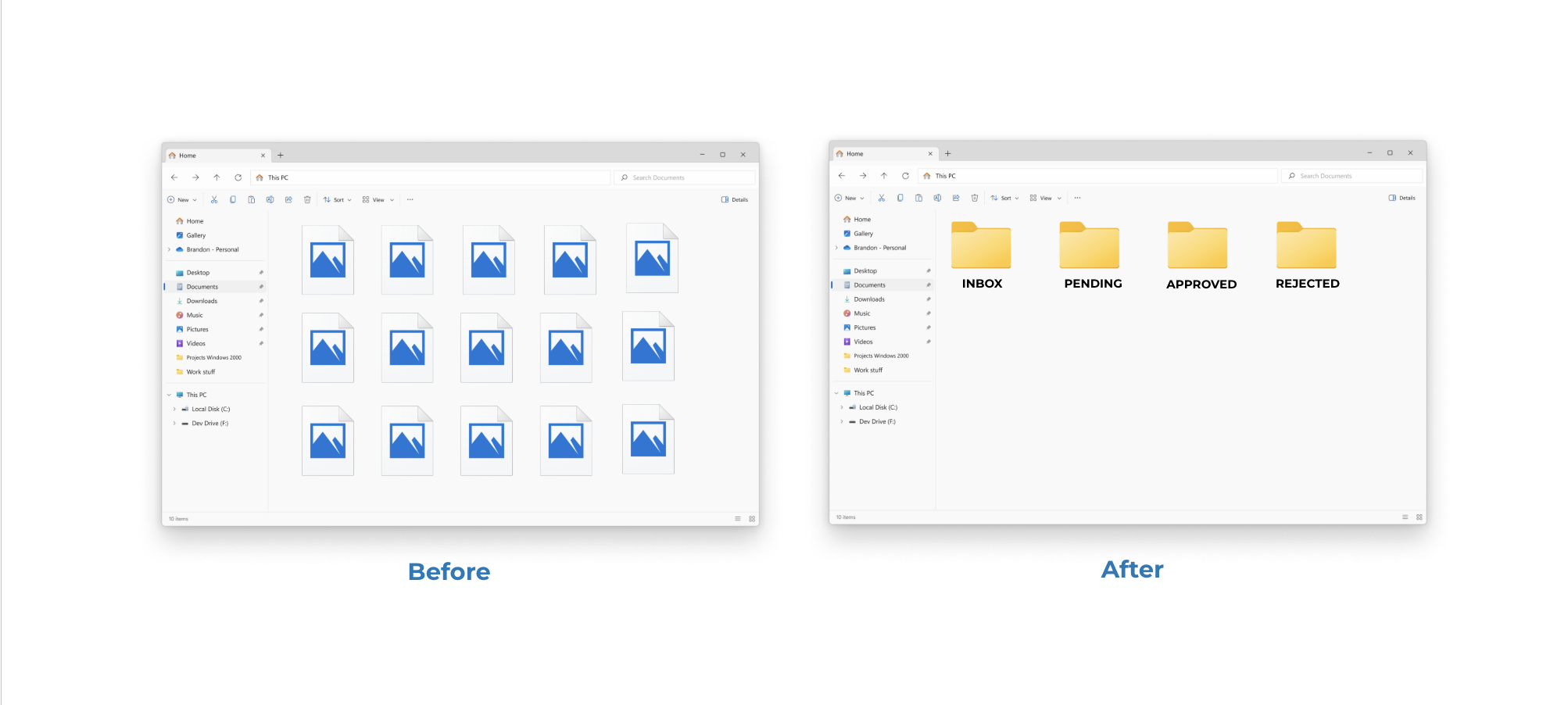
Use Excel sheet to edit and view metadata and update asset status to APPROVED or REJECTED + local data storage.
Toolkit:
01
Set up three folders locally in the local storage

02
Drop images in the folders
03
Run the shortcut
04
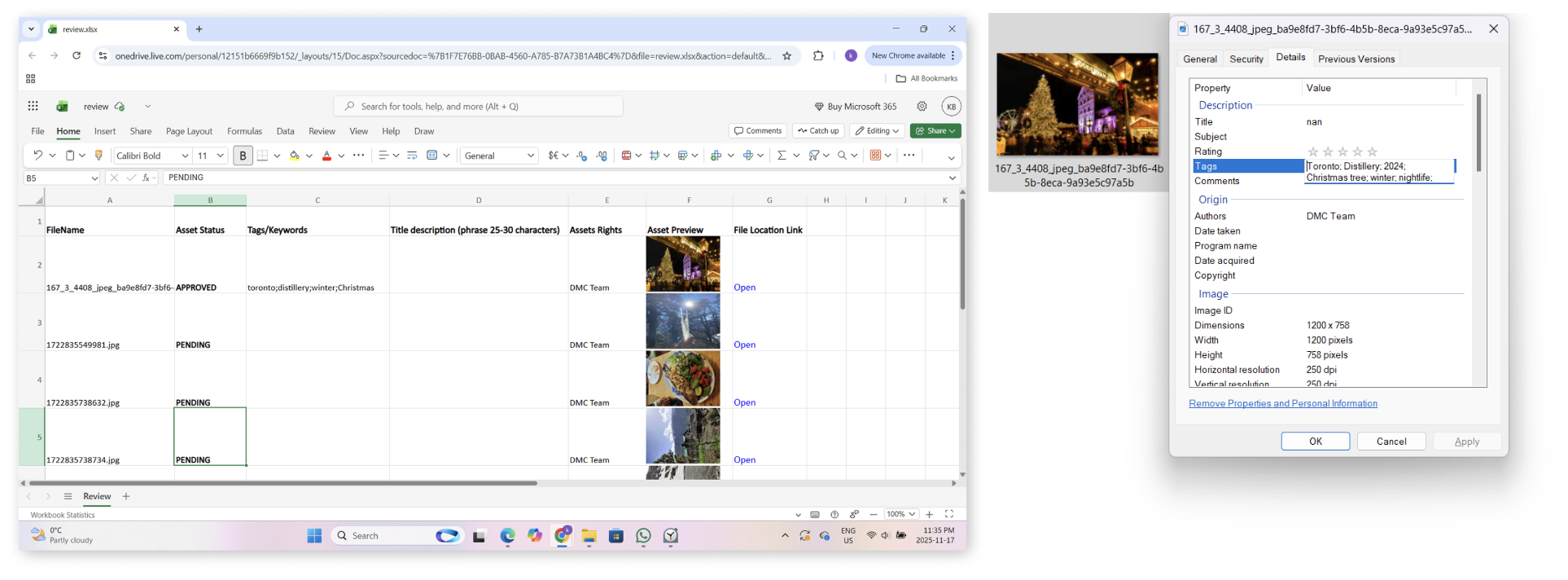
Review the Spreadsheet
05
Review and Write Metadata in the Spreadsheet